
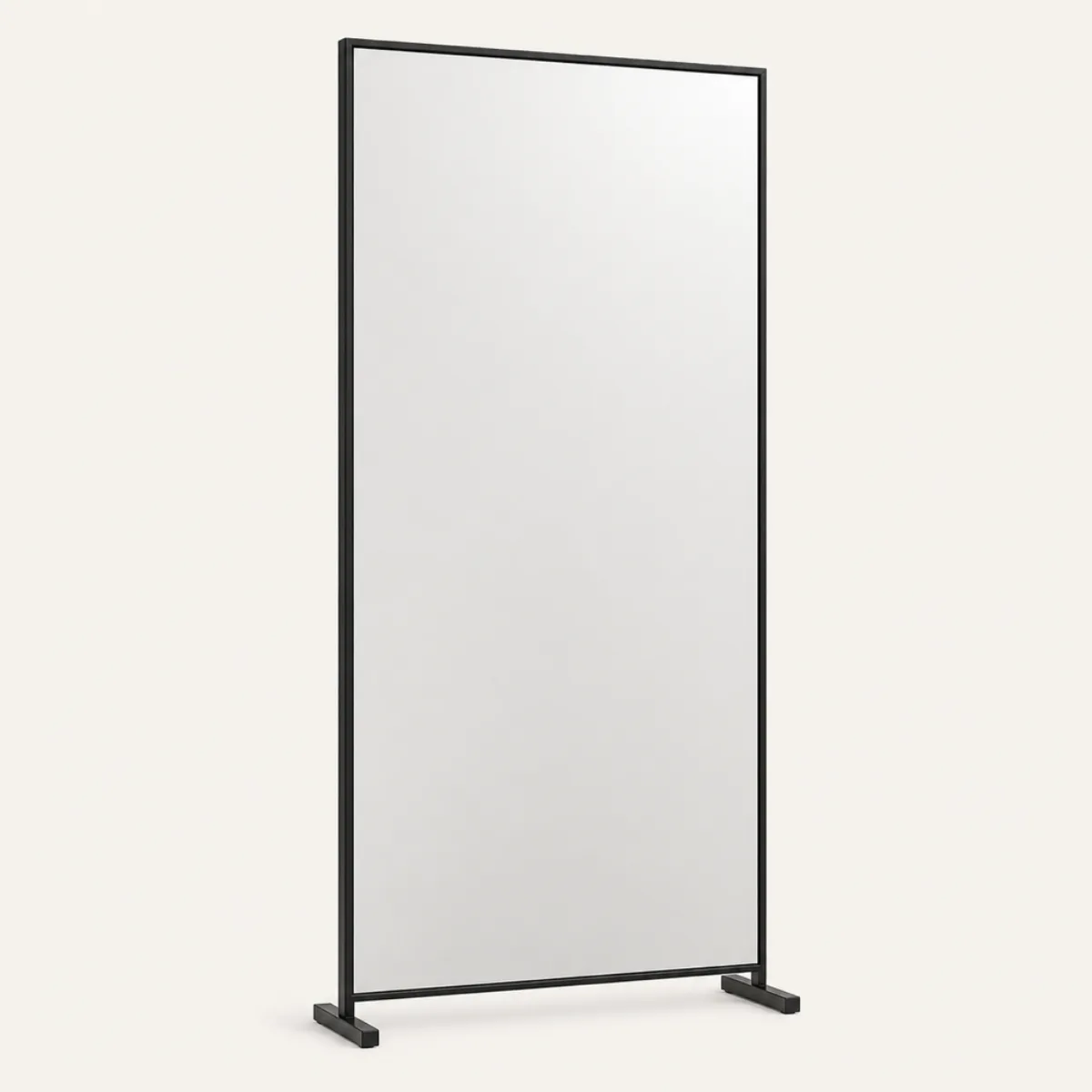
Mirror wall panel
mirror-wall-panel
dresses asset:mirror-wall
— and nothing else. Appearance is invisible to the drawing set, so adding this changes no
plan, no section and no elevation.
- 7of 500 meshes
- 2slots
- 1finish
Drag to orbit · scroll to zoom
$glazing
$frame
This definition leaves
$glazing and $frame
open, and a look line fills them. Every combination is one body — same
geometry, same selector, same sheets — so the block below rewrites itself as you pick.
Only materials are slottable: a size would have to agree with the plan, so it stays on
the entity.
Paste this
Every part: the 2 materialdefs the body resolves to, then the definition. Copying the lookdef alone still compiles and still validates — it just renders grey.
{"t":"materialdef","id":"pack-fitness-mirror","of":"glass","value":92,"body":{"type":"MeshPhysicalMaterial","metalness":1,"transmission":0,"clearcoat":1,"clearcoatRoughness":0.02,"emissive":"#dfe6e8","emissiveIntensity":0.72}}
{"t":"materialdef","id":"pal-charcoal","of":"paint","value":20}
{"t":"lookdef","id":"mirror-wall-panel","for":"asset:mirror-wall","desc":"Frameless full-height gym mirror panel with a slim base rail.","slots":{"glazing":"pack-fitness-mirror","frame":"pal-charcoal"},"preview":{"projection":"perspective","azimuth":-28,"elevation":18,"fov":34,"margin":1.03},"body":{"type":"Group","children":[{"type":"Mesh","material":"$glazing","geometry":{"type":"BoxGeometry","width":2.32,"height":1.88,"depth":0.018},"position":[0,1.02,0]},{"type":"Mesh","material":"$frame","geometry":{"type":"RoundedBoxGeometry","width":2.4,"height":0.04,"depth":0.05,"radius":0.008,"segments":2},"position":[0,0.04,0]},{"type":"Mesh","material":"$frame","geometry":{"type":"RoundedBoxGeometry","width":2.4,"height":0.04,"depth":0.05,"radius":0.008,"segments":2},"position":[0,1.96,0]},{"type":"Mesh","material":"$frame","geometry":{"type":"RoundedBoxGeometry","width":0.04,"height":2,"depth":0.05,"radius":0.008,"segments":2},"position":[-1.18,1,0]},{"type":"Mesh","material":"$frame","geometry":{"type":"RoundedBoxGeometry","width":0.04,"height":2,"depth":0.05,"radius":0.008,"segments":2},"position":[1.18,1,0]},{"type":"Mesh","material":"$frame","geometry":{"type":"RoundedBoxGeometry","width":0.28,"height":0.04,"depth":0.05,"radius":0.01,"segments":2},"position":[-1.18,0.02,0]},{"type":"Mesh","material":"$frame","geometry":{"type":"RoundedBoxGeometry","width":0.28,"height":0.04,"depth":0.05,"radius":0.01,"segments":2},"position":[1.18,0.02,0]}],"scale":[0.909090909,1,0.999999985]}}Or take the whole pack, which brings every entry and every material at once:
cat packs/fitness.ndjson model.ndjson > dressed.ndjson